How to Track Rental Income and Expenses: A Simple System for Landlords
Learn how to track rental income and expenses with a simple system for landlords. Compare spreadsheets, accounting software, and rental trackers while keeping rent, repairs, taxes, and monthly profit organized.
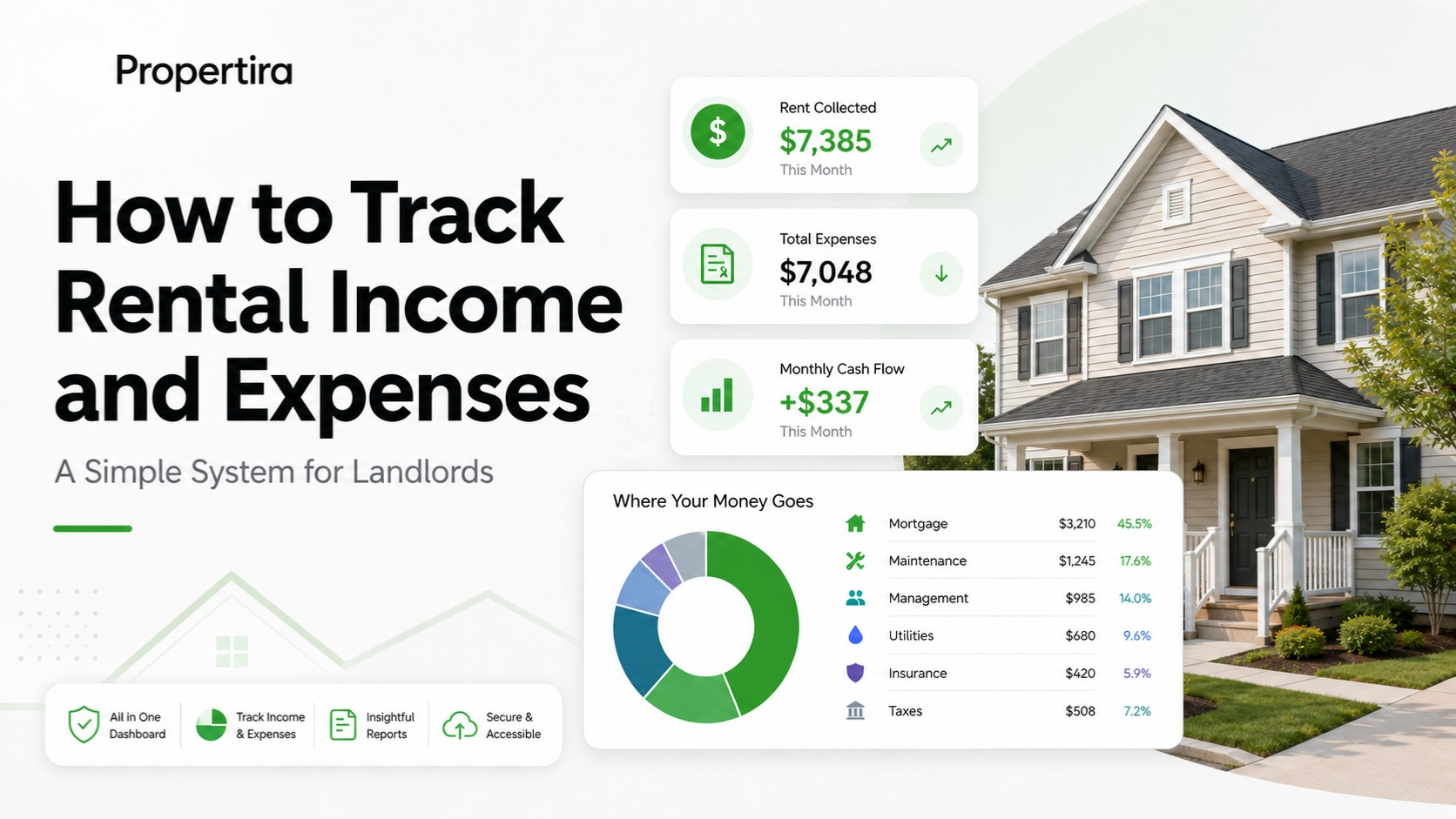
How to Track Rental Income and Expenses: A Simple System for Landlords
Managing rental properties is easy when you only have one unit and two receipts a month. But as soon as you add a second property—or face a hectic turnover month—keeping tabs on where your money actually goes gets messy fast.
If you don't have a reliable system to track rental income and expenses, tax season turns into a nightmare, and worse, you might completely miss that a property is quietly bleeding cash.
Here is how to set up a stress-free tracking system, evaluate the right tools for your portfolio, and capture every dollar that moves through your rentals.
3 Ways to Track Rental Property Expenses
Every landlord handles their books differently, but most systems fall into one of three categories:
- Spreadsheets (Excel / Google Sheets): Free and customizable, but entirely manual. You have to input every receipt, update formulas manually, and hope you don't break a sheet cell along the way.
- General Accounting Software (QuickBooks / Xero): Powerful for general business accounting, but often overly complex for landlords. They lack built-in real estate metrics like per-unit cash flow, tenant tracking, or yield breakdowns.
- Dedicated Rental Trackers: Built specifically for property owners. They bridge the gap by focusing purely on real estate metrics, offering pre-built categories, per-property currency support, and clear net-income summaries without the fluff.
What You Need to Track Every Month
To know your real net profit—and stay prepared for tax time—you need to categorize both incoming revenue and outgoing operational costs consistently.
- Rent: Log the full gross rent collected, including any additional tenant payments like pet rent or parking fees.
- Mortgage: Keep principal and interest separated from tax and insurance escrows for accurate deduction reporting.
- Maintenance & Repairs: Record every micro-fix, contractor invoice, and hardware store run the day it happens.
- Property Management: Factor in ongoing management fees (typically 8–12%) along with one-off leasing or renewal fees.
- Utilities: Track any landlord-paid utility bills, such as water, trash, or common-area electricity.
- Vacancy Reserve: Allocate a portion of monthly rent to cover holding costs when the unit sits empty.
- Insurance & Property Taxes: Log these recurring fixed overhead costs, whether paid directly or through escrow.
- One-Off Expenses: Capture irregular costs like legal notices, eviction fees, HOA assessments, or marketing ads.
- Monthly Profit (Cash Flow): Subtract total real expenses from gross rent to see what actually ends up in your pocket.
Skip the Spreadsheet Setup
If you want a dedicated landlord expense tracker without spending hours building manual spreadsheets or fighting complex software, Propertira does this automatically. It gives you a clean, zero-friction view of your true net income across every unit in your portfolio.
- rental income and expense tracker
- track rental property expenses
- landlord expense tracker
- rental property cash flow
- rental income tracking
Put this into practice
Use the free calculators with your own figures, or track every property in one place with Propertira.
Propertira provides estimates based on the information you enter. Results are for informational purposes only and are not financial, tax, legal or investment advice.